Flex Cross
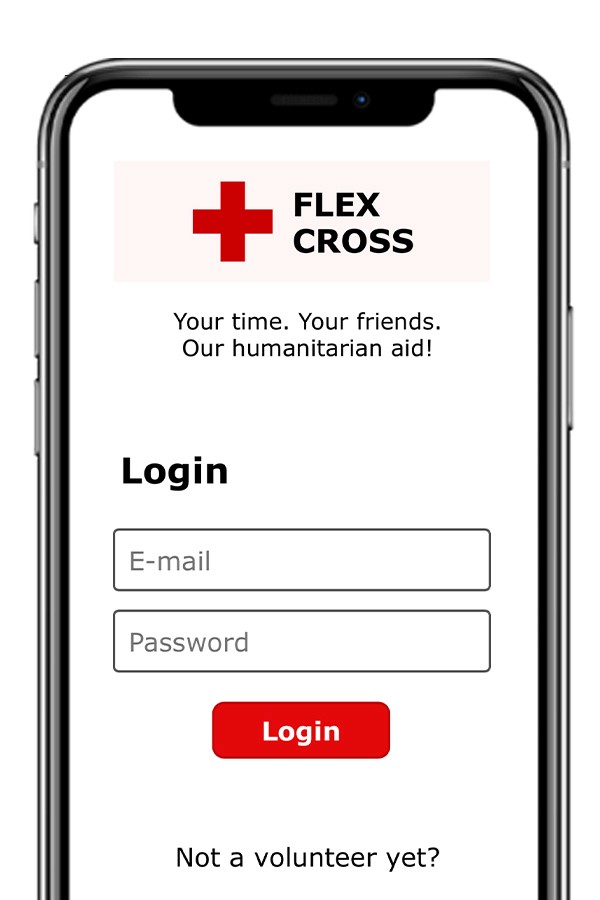
Designing a digital solution for flexible volunteering at Danish Red Cross thrift stores
The Danish Red Cross explored new ways to support flexible, short-term volunteering. The challenge was to design a solution accessible to both digitally confident and less experienced users.
Client
Danish Red Cross
Role
Product Designer (UX/UI)
Industry
Humanitarian / Nonprofit (NGO)
Tools
Figma, Power Apps, Scrumwise
Date
November 2025
Design Process
Agile / Scrum Framework
Research & Ideation
Personas, User Scenarios, User Journey Maps & User Stories
Figma Wireframes
Power Apps Prototype
User Testing & Refinement
Results
Validated usability across different volunteer groups
Improved clarity and accessibility
Demonstrated potential for supporting flexible volunteering
Problem
How might we design a digital solution that enables flexible volunteering while remaining simple and accessible for users with very different levels of digital literacy?
My Role
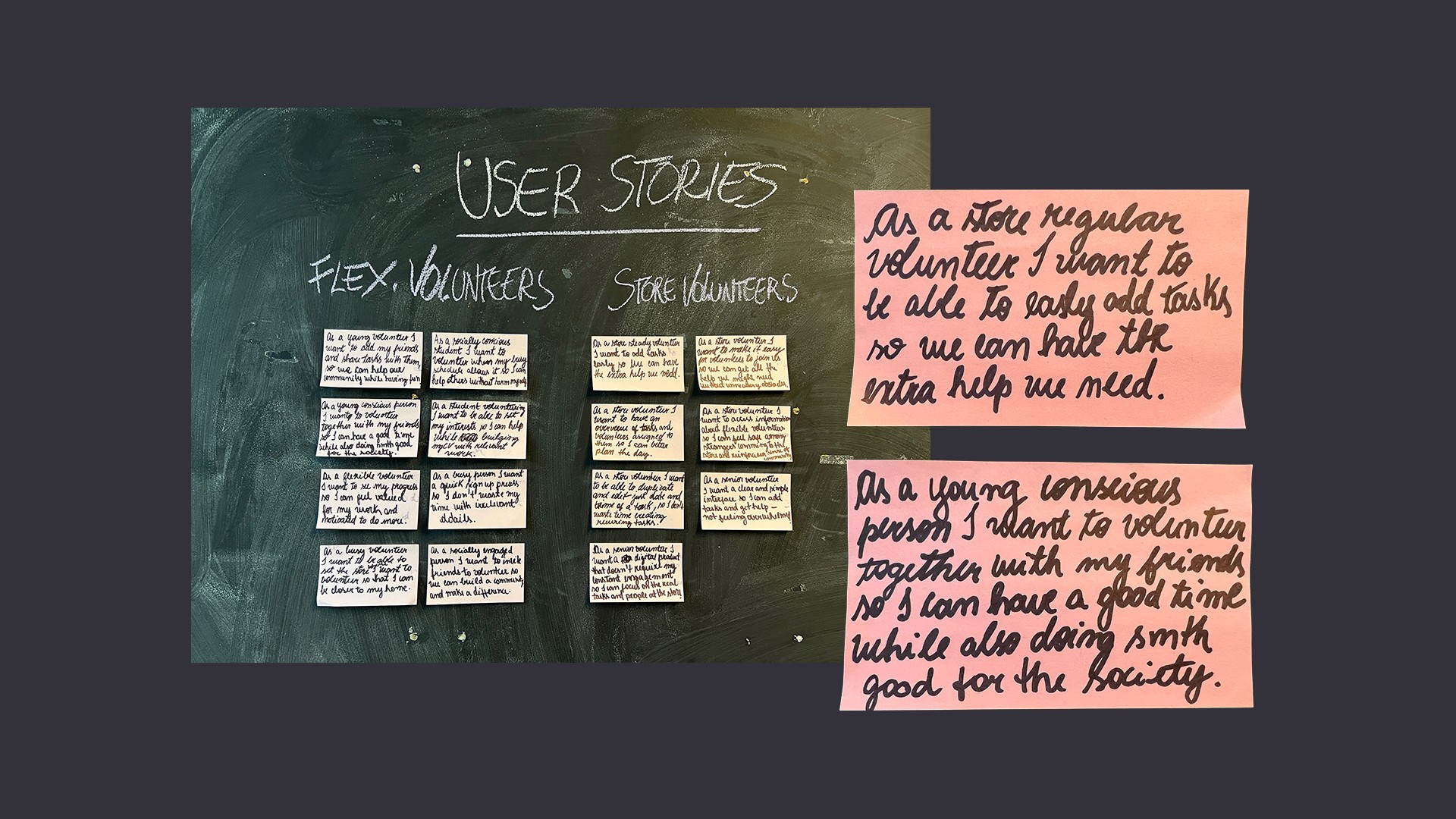
• Contributed to user research (interviews, field visits) • Defined personas, user journeys, and user stories • Designed core user flows (“Create Task” and “Sign-Up”) • Created wireframes and prototypes (Figma & Power Apps) • Iterated through sprint reviews and user feedback
Key Insights
• Senior volunteers need clarity and guidance • Flexible volunteers prioritize speed and ease of use • One solution must serve very different user groups • Reducing friction is key to participation
Solution
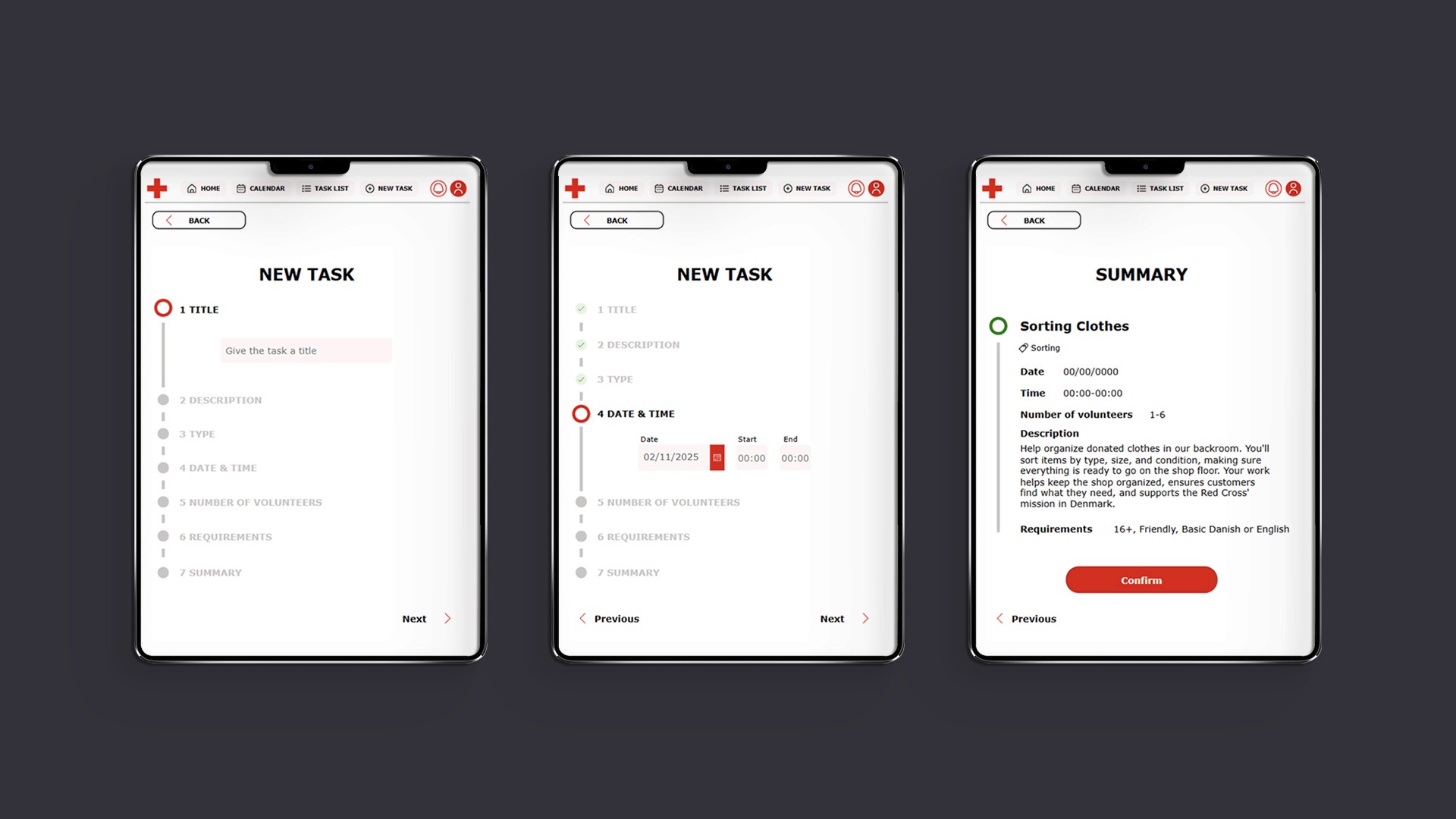
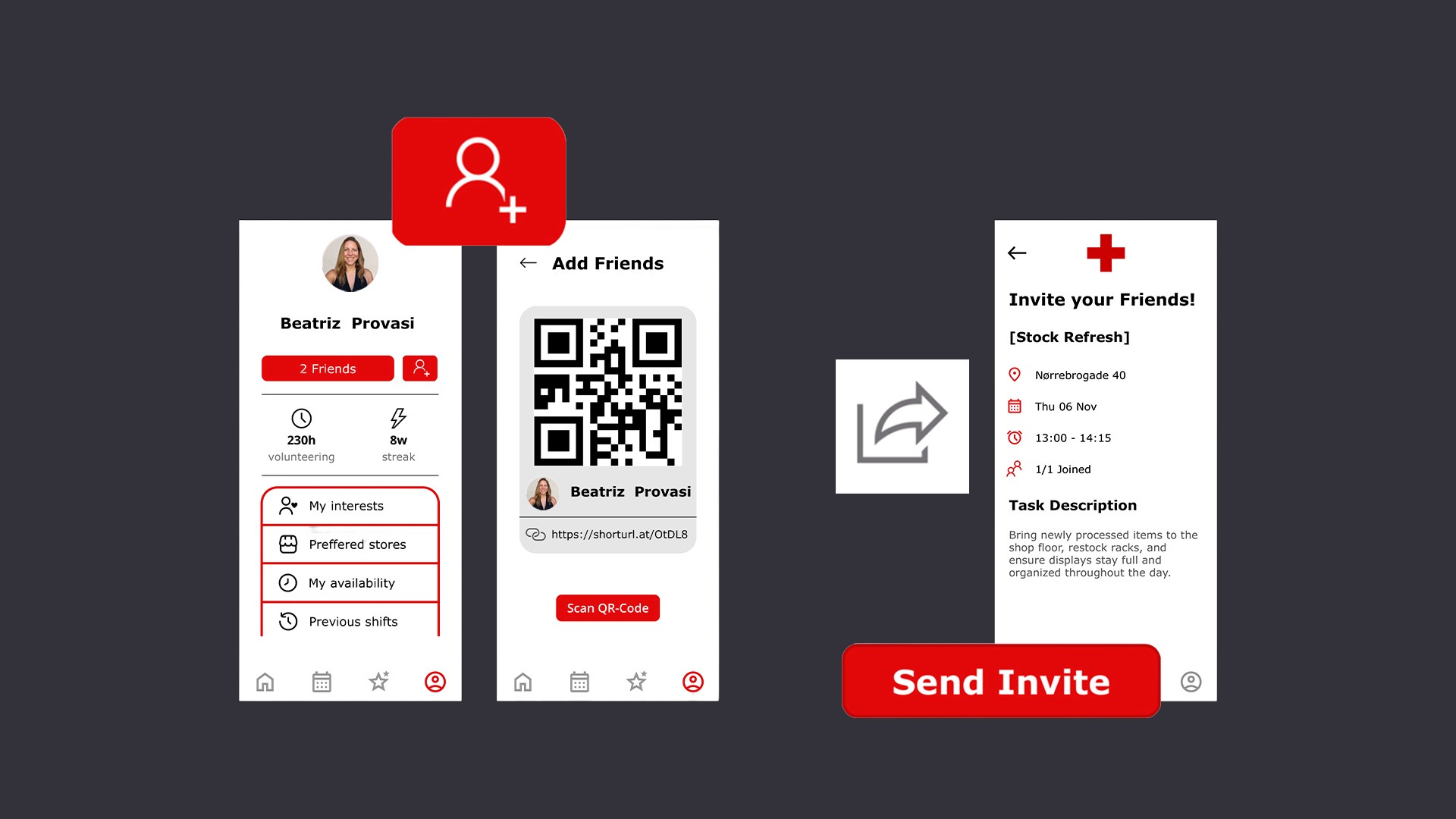
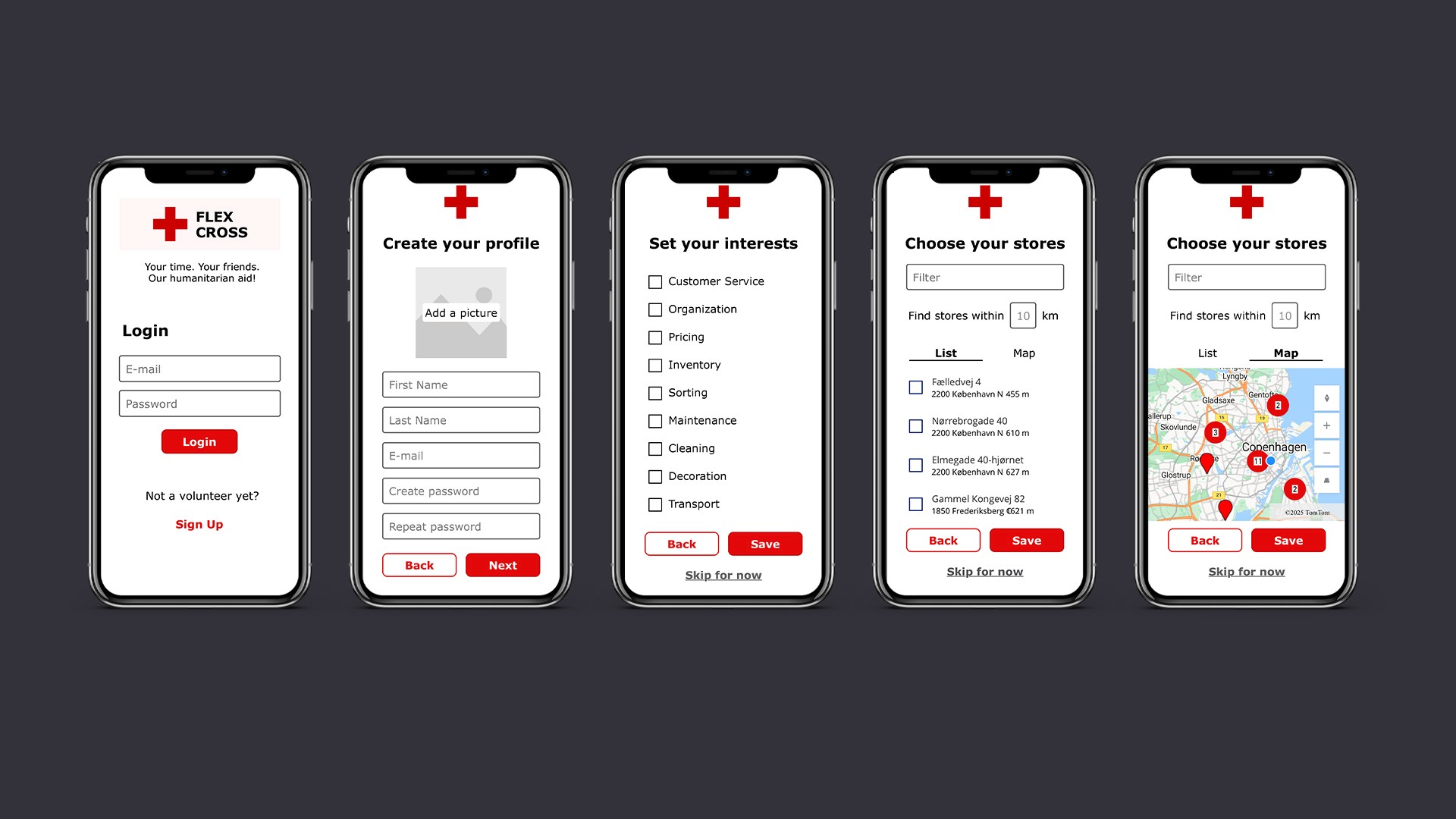
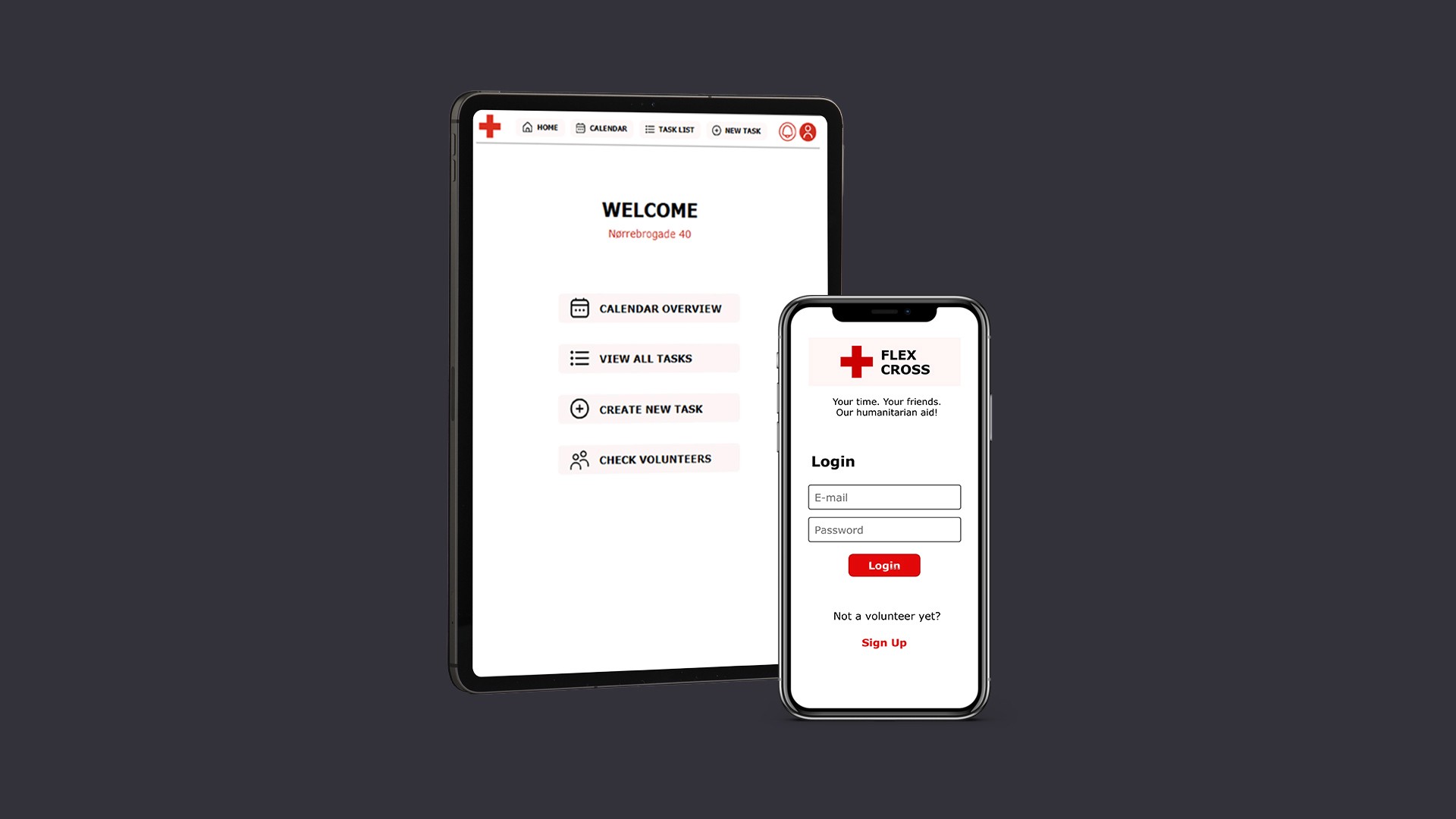
I designed a digital solution to support flexible volunteering by balancing usability and engagement across different user groups: • Creating two tailored interfaces for store volunteers and flexible volunteers, addressing their distinct needs, motivations, and levels of digital confidence • Designing a step-by-step task creation flow for store volunteers, simplifying complex actions and reducing friction in task management • Developing a fast and intuitive sign-up experience for flexible volunteers, enabling quick access to opportunities and lowering barriers to participation • Introducing social and gamified elements, supporting engagement and encouraging users to participate more actively • Ensuring clarity and accessibility across the interface, particularly for users with lower digital confidence
Impact
• Validated usability across diverse user groups • Improved accessibility for users with low digital confidence • Enabled testing of flexible, on-demand volunteering
What I Learned
Designing for inclusivity means simplifying without oversimplifying. Supporting different user needs in one system requires clear prioritization and thoughtful interaction design.